

Notes
MelimeloNotes
Free up to a cap, unlimited with Premium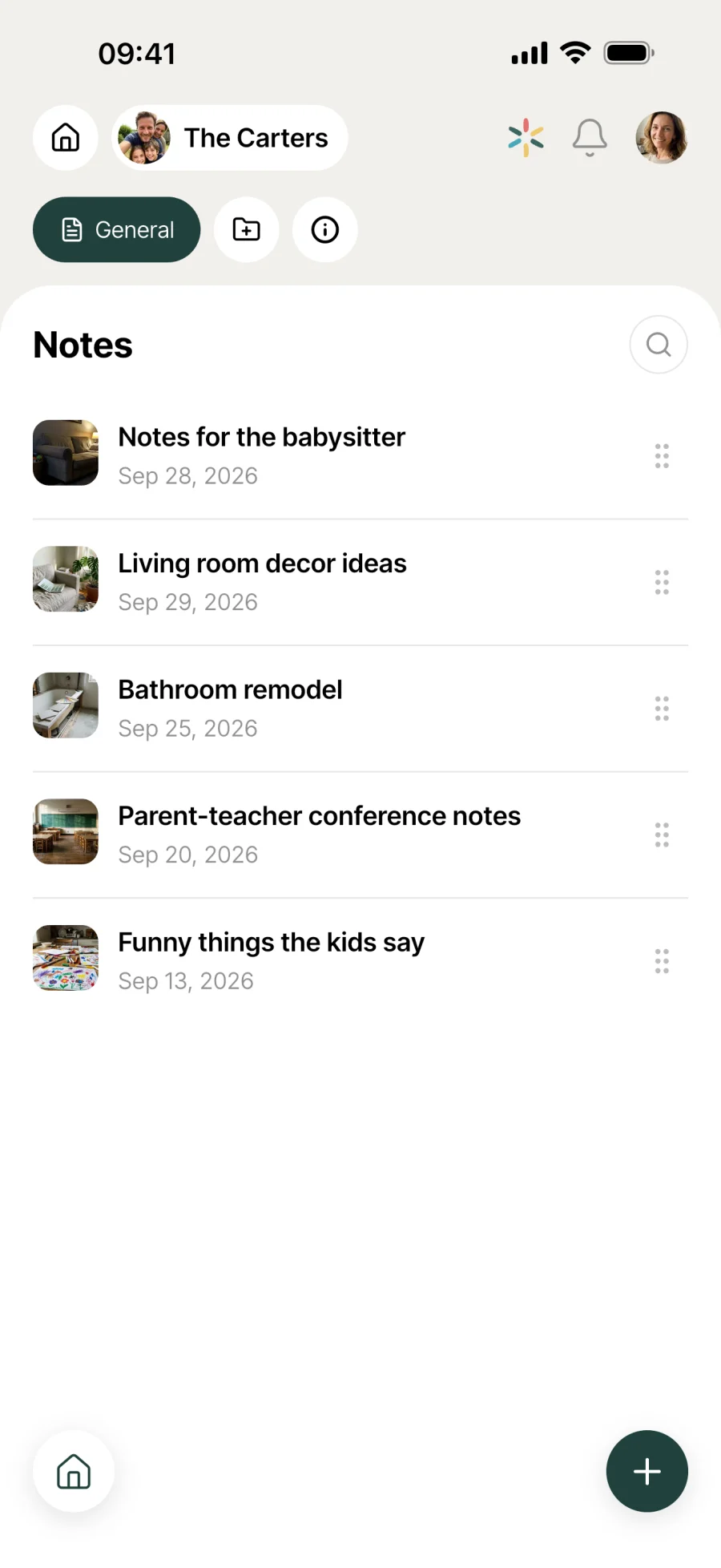
The notes app shared by the whole household.
Your household’s notes in one place, shared between every member. Formatting, cover photos, locking, instant search. Free for up to 3 notes, unlimited with Premium.

Everyday life
No more “where did we write that down?”
Household info doesn’t fit in your head, or on a sticky note. A notebook shared across every screen in the household is what was missing.
The good restaurants you spot over the weeks all go in one place. When the household is deciding where to eat on Saturday, the list is ready, with everyone’s picks.
Mum jots down the back-to-school supplies list over lunch, with checkboxes. Dad opens it in the shop that evening and ticks things off as he goes.
3 months later, the plumber’s number turns up with a single word. No more digging through old texts or the paper notebook by the front door.
Features
Capture it fast, find it even faster.
Shared with the whole household
Notes are visible to every household member. Lists, ideas, reminders, quotes, weekend car boot sales: one place for everything that needs to go round the house.
Lock a note
Lock a note that shouldn’t change any more. Other household members can still read it, but not edit it.
Rich formatting
Headings, bold, italics, bulleted and numbered lists. Structure your notes like a proper document, not a scribbled memo.
Cover photo
Add a photo to a note. It shows at the top of the note and as a thumbnail in the list, so you spot the right one at a glance.
Lists by topic
Sort your notes into lists, each with its own name and emoji, and put them in the order that suits you. Anything that isn’t in a list stays in “General”.
Instant search
Type a word and the list filters. Even across hundreds of notes, you get the result in 2 seconds.
Private lists
A list can be kept for the members you choose. The rest of the household sees neither the list nor its notes: handy for planning a surprise or keeping a reminder that’s nobody else’s business.
Smart paste
Paste text from a web page or a message: the title lands in the title, the rest in the body of the note. The formatting comes along too, with no manual clean-up.

Connected to the rest
Alongside everything else in the household.
- TasksTasks
An idea jotted down in Notes can become an actionable task in Tasks when it’s time to deal with it.
- RecipesRecipes
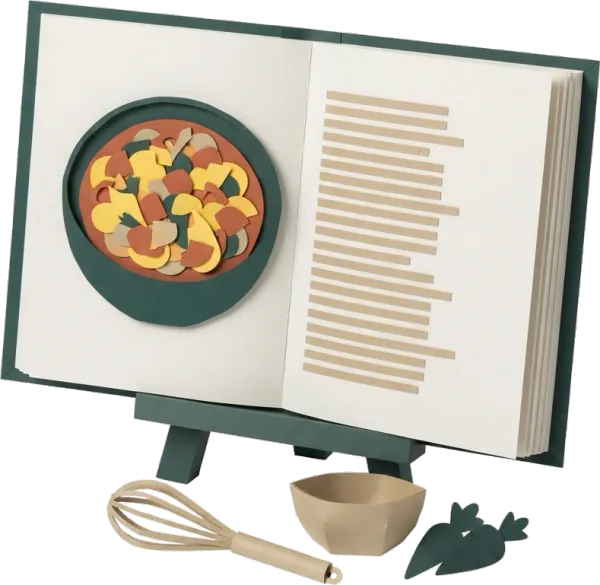
An informal recipe starts life in Notes, until it’s written up properly in Recipes with ingredients and steps.
- DocumentsDocuments
Notes keeps the context around a document scanned into Documents.
- MessagesMessages
Notes for what needs to last, Messages for everyday chat. Both modules work hand in hand in the household.



All the modules talk to each other. Not just these 4.
Free & Premium
What each plan includes for notes.
Try it out
€0no commitment
Included from the start, shared by the whole household.
- Notes shared with the whole household
- Rich formatting (headings, bold, italics, lists)
- Cover photo
- Locked note: others can read it but not edit it
- Instant search
- Multi-user by design
- Number of notes 3 max
- Note lists by topic
- Private lists, for selected members only
- View and edit notes offline
Everything unlocked for this module
No limits
€39.90/ year
that’s €3.32 a month
- Notes shared with the whole household
- Rich formatting (headings, bold, italics, lists)
- Cover photo
- Locked note: others can read it but not edit it
- Instant search
- Multi-user by design
- Number of notes Unlimited
- Note lists by topic
- Private lists, for selected members only
- View and edit notes offline
A single Premium subscription covers the whole household, however many members it has. You take it out in the app on iPhone or Android, and it then works on every screen in the household.
06Questions about notes
Everything people ask us about notes.
Straight answers to the questions people ask most before getting started.
07Get started
Your whole household,
on all your screens.
On iPhone, iPad, Android, Mac, Windows and in the browser. Every member connected, in real time. Your first module up and running in under a minute.
4.8out of 5
On the App Store
Active users
65k+
Already on board
No commitment, right in your browser.
3 steps, and the note is shared with the household.
Quick capture
Tap the + button at the bottom right and a note opens. Type a title, add the content and an image if you like. Save it and it’s shared straight away.
Format and organise
Headings, bold and lists for structure. Lock the ones that shouldn’t change. With Premium, sort them into lists by topic.
Find it in 2 seconds
Search by keyword across titles and content. Notes stay in the order you give them, and the cover photo helps you spot the right one.