


Recipes
MelimeloMelia
On all your screens, by text or by voice
Melia · at the heart of MelimeloNot a chatbot.
Not a chatbot.
An assistant
who acts.
Melia lives inside Melimelo. She knows your household’s context: the recipes, the fridge, upcoming birthdays, overdue tasks. She doesn’t just answer, she acts in the modules.
- Tuned to your household
- Remembers your chats
- Acts in the modules
Everyday life
Ask, and it’s done
Melia doesn’t need reminding what’s in the fridge, whose birthday is next week or what was on the menu on Tuesday. She reads your household’s context and suggests what comes next.
Sunday evening, the fridge is fuller than it looks. You ask what you could cook with what’s left. Melia reads the fridge, suggests 2 ideas and adds the missing ingredients to the shopping list.
Olivia’s birthday is 12 days away. You start a conversation to pin down an idea. Melia picks up the wishes noted in Gifts, suggests 3 ideas for each budget and keeps track for next time.
You’re having 6 people over instead of 4. You open the recipe and ask her to adjust it. Melia recalculates the quantities, updates the steps that mention weights, and sends the ingredients to the shopping list without duplicating what’s already planned.
Capabilities
An intelligence wired into every module.
Tuned to your household
Melia knows what’s in the fridge, the recipes in your recipe book, upcoming birthdays, overdue tasks and the shared calendar. She doesn’t ask for what you’ve already told her. Your household is her default context.
Conversation memory
Every exchange picks up where the last one left off. No need to explain it all again, or to copy and paste yesterday’s context.
Recipes created by chatting
Describe what you’re craving. Melia suggests ingredients, steps and tweaks, and you fine-tune it together until the recipe suits your household. One tap adds it to the shared recipe book.
Adjusting servings
4 people tonight, 12 for Sunday lunch. Melia recalculates the quantities with natural rounding and adjusts the steps that mention weights.
A generated image for each recipe
A recipe imported or created without a photo soon looks dated. Melia creates an image that matches the ingredients and the style of the dish.
Nutrition estimate
From a recipe’s ingredients, Melia estimates calories, protein, carbs, fat, salt and fibre per serving, and adds a word on the overall quality of the dish.
Smart add to the shopping list
A recipe’s ingredients join the shopping list without duplicating what’s already planned. Units converted, quantities merged, and cuts of meat or fish kept apart so nobody gets it wrong in the shop.
Expiry dates for meal boxes
For batch cooking or a homemade sauce, Melia suggests an expiry date based on the ingredients and how it’s stored, and explains which ingredients limit how long it keeps.
Assistant mode, by voice
In early access: Melia starts with a word and acts as you speak. Siri or the app icon’s quick action on iPhone, the side button on Android, Option+V or Alt+V on a computer, the menu bar or system tray icon on Mac and Windows. She opens the right screen and does the work while you talk.
A recipe from a photo
Snap a dish or the pages of a recipe, up to 3 photos. Melia turns them into a complete recipe, ingredients and steps included, ready in the household recipe book.
Voice conversations
Hands busy in the kitchen or at the wheel: you talk, Melia answers out loud. Enhanced voice mode holds a real-time conversation, and the session carries on when you minimise the app.
Result cards
When Melia finds or creates something, the result shows up as cards you can scroll through. One tap opens the right screen, in the right place in the app.
The screen updates itself
When Melia changes something, the view you’re on refreshes by itself. You never have to wonder whether the action went through.
You set her limits
3 permission levels: always ask before acting, let Melia edit what’s already there, or allow everything. Your household holds the leash, not the other way round.
Where Melia acts
At work in the modules where she adds value.
- Recipes
Melia’s main playground. Recipes created by chatting, serving adjustments, images, nutrition estimates and smart adding to the shopping list.
- FridgeFridge
For the household’s meal boxes, Melia suggests an expiry date based on the ingredients and how they’re stored, and explains what limits how long they keep.
- ShoppingShopping
A recipe’s ingredients join the household shopping list with duplicates merged, units converted, and cuts of meat or fish kept apart.
- NotesNotes
Dictate a note instead of typing it: handy in the kitchen, in the car or with your hands full. Melia writes in the editor, and the same move works in Tasks.
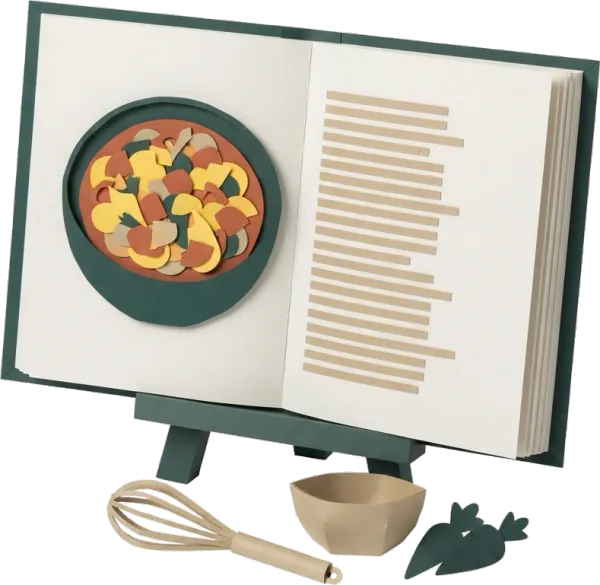
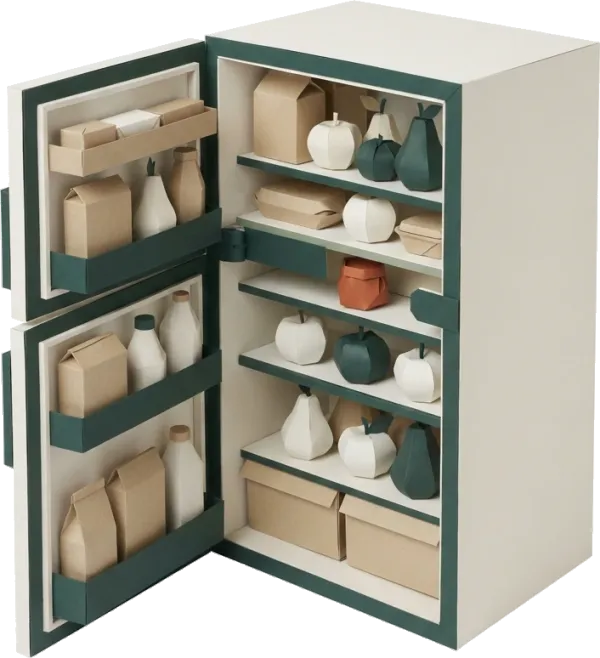


All the modules talk to each other. Not just these 4.
Free & Premium
What each plan unlocks for Melia.
Try it out
€0no commitment
Included from the start, shared by the whole household.
- Melia on every screen of the app
- Text conversations that remember past chats
- Knows your household’s context (fridge, calendar, birthdays, tasks, recipes)
- Actions in the free plan modules, within their limits
- Interactive result cards that open the right screen
- Melia widget on the app’s home screen
- Voice conversations, with answers read aloud
- Enhanced voice mode, in real time
- Voice assistant mode: Siri, Android side button, Option+V (early access)
- Recipes created from photos
- Actions in Premium modules (Meal plan, Routines, Budget, Wellbeing, Documents)
- Serving adjustments for recipes
- Generated images and nutrition estimates for recipes
- Expiry dates for meal boxes (Fridge)
- Smart add to the shopping list (merging, unit conversion)
Everything unlocked for this module
No limits
€39.90/ year
that’s €3.32 a month
- Melia on every screen of the app
- Text conversations that remember past chats
- Knows your household’s context (fridge, calendar, birthdays, tasks, recipes)
- Actions in the free plan modules, within their limits
- Interactive result cards that open the right screen
- Melia widget on the app’s home screen
- Voice conversations, with answers read aloud
- Enhanced voice mode, in real time
- Voice assistant mode: Siri, Android side button, Option+V (early access)
- Recipes created from photos
- Actions in Premium modules (Meal plan, Routines, Budget, Wellbeing, Documents)
- Serving adjustments for recipes
- Generated images and nutrition estimates for recipes
- Expiry dates for meal boxes (Fridge)
- Smart add to the shopping list (merging, unit conversion)
A single Premium subscription covers the whole household, however many members it has. You take it out in the app on iPhone or Android, and it then works on every screen in the household.
06Questions about Melia
Everything people ask us about Melia.
Straight answers to the questions people ask most before trusting an assistant with their household.
07Get started
Your whole household,
on all your screens.
On iPhone, iPad, Android, Mac, Windows and in the browser. Every member connected, in real time. Your first module up and running in under a minute.
4.8out of 5
On the App Store
Active users
65k+
Already on board
No commitment, right in your browser.
3 steps, and the job is done.
Open Melia from anywhere
A dedicated button in the app header, on all your household’s screens, or a keyboard shortcut on a computer. No separate chatbot to open: Melia is already there, in the context of the module you’re on.
Type or talk
Describe what you want in plain language. You can pick up a previous chat or start a new one. Your household’s tone, never a form’s.
She acts, in the app
The recipe she creates lands in the recipe book, the ingredients in the shopping list, the meal in the meal plan, the reminder in the calendar. The conversation is the means, the action is the goal.