
 The Carters

Projects
MelimeloProjects
Premium plan only
Plan a party or a renovation, with the whole household.
A birthday, a housewarming, a bathroom to redo: a project brings together its dated tasks, shopping list, budget and files, with everyone taking part.
- A party or a renovation, with everything it takes in one place
- Dated tasks, shopping and a budget kept apart from household routine
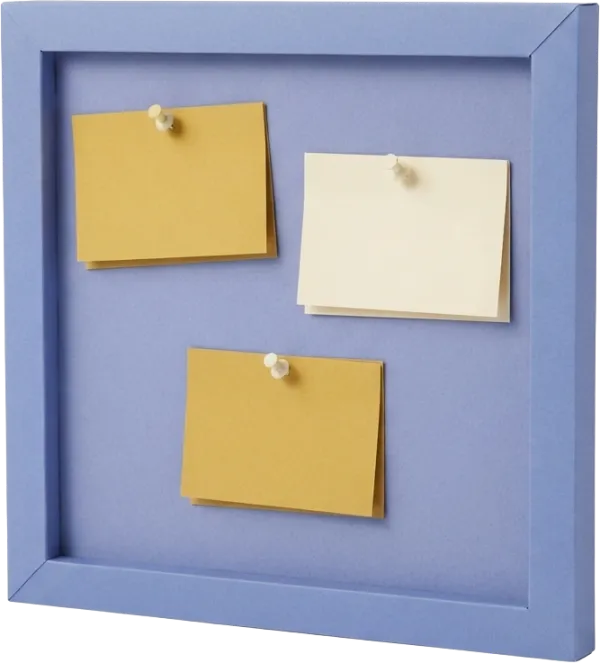
- The countdown to the big day, pinned to the home screen
Everyday life
No more “how’s the party coming along?”
Guests in a message, the shopping list on the fridge, quotes in an email: a project gets scattered fast. Here, everything it takes stays in one place, for everyone taking part.
- 01
Emma creates “Noah's birthday”: an event, on a Saturday 3 weeks from now, with James. The project opens like an invitation sliding out of its envelope, with 21 days to go on the wax seal.
- 02
She pins the birthday to the home screen. Every morning, under her day, she finds the countdown; in the project, the 12 items to buy and the invitations to send before Monday.
- 03
Meanwhile, James is planning January’s bathroom: 3 tasks ticked off out of 8, the plumber’s quotes attached to the project, and $1,240 already paid as a deposit.
In detail
What the project planning app really does
Here are the screens as they appear in Melimelo, with Emma’s projects on November 7.
01Plan an event
Plan a birthday or a party, with a countdown to the big day
An event appears as an invitation sliding out of its envelope: the project photo, or the cake until it has one, its name, its day and the countdown on the wax seal.
Below, the people taking part: you and the household members you’ve invited to the project. A birthday, a housewarming, an end-of-year party: each has its own banner.


 You and James
02Renovation tracking
Track home renovations: tasks, spending and start date
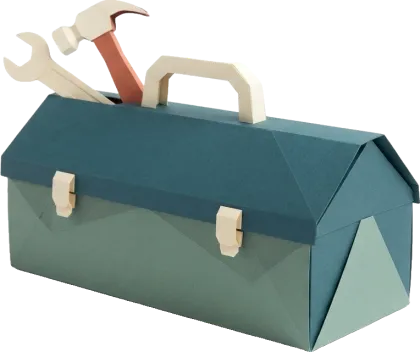
A renovation shows on the squared paper of a building plan: its dates, the number of days before it starts, then its progress, tasks ticked off out of the total, and what it has already cost.
Quotes, plans and invoices are attached to the project, in its Attachments tab. The plumber and the electrician stay in your providers.
3 tasks of 8$1,240
Upcoming tasks
Compare the plumber’s 3 quotes
November 12Choose the tiles
November 2603Create a project
Set up a project in a minute, with only the tabs you need
The + opens a wizard: the type of project, its name, its dates, the tabs you need and who’s taking part. Members of your household go straight in; untick those who aren’t taking part.
Keep only what you’ll use: shopping and tasks for a party, a budget and notes for a renovation. You can turn a tab back on or change their order whenever you like.
What are you planning?
Each type of project has its own home, in its own colors.
Event

Renovations
What do you need?
Keep what this project will really need.
Shopping

Notes

Tasks

Places

Meal plans

Budget

04Checklist
A preparation checklist, dated up to the big day
The project’s home page sums up what it contains, from items to buy to money spent, and lists the next tasks, dated ones first. A tap on a shortcut opens its tab.
The project’s tasks are shared out like the household’s tasks, with their due dates and who’s in charge, but they stay in the project: nothing gets mixed up with everyday life.
12 to buy4 to do2 meals$86 spent
Upcoming tasks
Send the invitations to classmates
November 9Order the cake from the bakery
Strawberry cake, 12 slices
November 21Blow up the balloons
 November 28
05Project budget
The budget for a party or a renovation, tracked separately from everyday spending
In the project settings, set the amount set aside. The Budget tab tracks what has been spent against it, and what’s left.
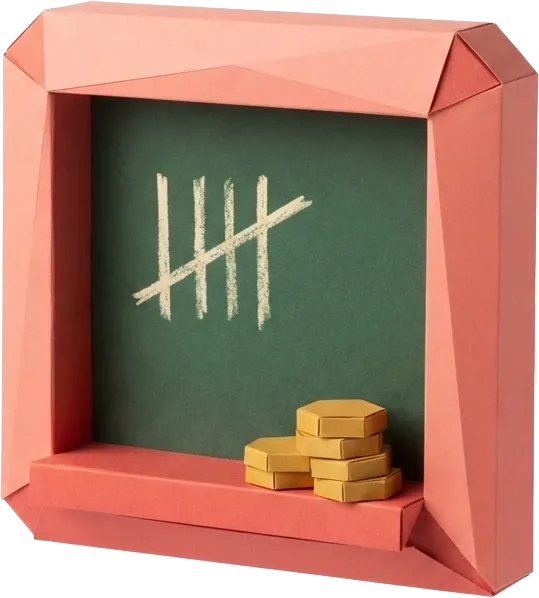
Turn on “Split the expenses between participants”: each expense has the person who paid it, and Melimelo works out what everyone has paid and who owes whom, just like a split.
Project settings
DetailsTabsBudgetParticipants
Planned budget ($)400Split the expenses between participantsWorks out what each person paid and who pays back whom.
06All your projects
The next project up front, the others coming up, past ones as memories
The module sorts your projects by date: the next one or the one in progress on its big banner, upcoming projects with their countdown, and finished ones with their month and year.
Pin the ones that matter to the app’s home screen: they show under your day, and a long press reorders them.
Coming up
Bathroom
Renovations · From January 18 to February 6
Painting the guest room
Renovations · No date
Finished2 projects
Housewarming
Event · June
Living room paint
Renovations · March
And also
The details that move the project forward.
Pinned to the home screen
Pin a project from its header: it shows on the home screen, under your day, on its big banner. Each member pins their own.
The project’s files
Quotes, plans, invitations: the Attachments tab keeps the project’s files within reach of every participant.
Admins
You stay the only one managing the project, and you make whoever you like an admin. Other participants add shopping, tasks, notes and expenses.
One settings sheet
Info, tabs, budget and participants are all set in one sheet: the project photo, its dates, the order of its tabs and the amount set aside.
Also worth exploring
The modules that go with it.
- TasksTasks
A project’s Tasks tab brings in the module’s tasks, due dates and assignees included, without mixing with the household’s.
- ShoppingShopping
The Shopping tab holds a list just for the project, with the household’s products, separate from the week’s list.
- SplitSplit
A project’s budget does the same maths as a split when you share out its expenses: each expense has the person who paid it, and everyone knows who owes whom.
- ProvidersProviders
The plumber, tiler and electrician for the renovation stay in the household’s list of providers.
All 31 modules share the same household and the same members.
Free & Premium
What each plan includes for projects.
Try it out
€0no commitment
Included from the start, shared by the whole household.
This module isn’t included in the free plan.
All its features are reserved for the Premium plan. See the Premium column.
Everything unlocked for this module
No limits
€39.90/ year
that’s €3.32 a month
- Events and renovations, each with its own home page in its colours
- Creation wizard: type, name, dates, tabs and participants
- Shopping, notes, tasks, places, meal plans and budget specific to the project
- Countdown to the big day
- Project budget against the amount set aside, with who paid what
- Attached files: quotes, plans, invoices
- Projects pinned to the home screen, under your day
- Admins and participants chosen from the household
A single Premium subscription covers the whole household, however many members it has. You take it out in the app on iPhone or Android, and it then works on every screen in the household.
06Questions about Projects
Everything people ask us about projects.
Straight answers to the questions people ask most before getting started.
07Get started
Your whole household,
on all your screens.
On iPhone, iPad, Android, Mac and in the browser. Every member connected, in real time. Your first module up and running in under a minute.
4.7out of 5
On the App Store
Active users
75k+
Already on board
No commitment, right in your browser.