
 The Carters
Places
MelimeloPlaces
Free up to a cap, unlimited with Premium
The shared places list for the household’s favourite restaurants and spots.
The household’s restaurants to try, cafés, parks and museums, pinned on a map everyone sees on their phone: stars, “Already visited” and directions in one tap.
- Every place pinned on the map, in its category’s colour
- An online search fills in the details: address, phone, photo
- Up to 5 places on the free plan, no cap with Premium
Everyday life
No more “where was that restaurant?”
The restaurant a colleague recommended, the park where the kids loved playing, the theatre you want to try: these places end up in screenshots you can never find again. A shared list keeps them on a map, for the whole household.
- 01
On the way out of Pizzeria Da Marco, Emma looks it up with “Search online”: the address, phone number and a photo fill in the details, and a red pin drops onto the map. She gives it 5 stars.
- 02
Saturday lunchtime, James filters the map to restaurants: that leaves Pizzeria Da Marco and Le Bistrot du coin. A tap on the pin, then “Directions”, and the phone’s maps app takes over.
- 03
Théâtre des Célestins is still waiting for a first visit: its page says “Not visited yet”. On the night of the show, Emma switches on “Already visited”, and the whole household sees it.
In detail
What the shared places list really does
Here are the screens as they appear in Melimelo, with the Carters’ places in Lyon.
01Places map
A shared places list, pinned on a map
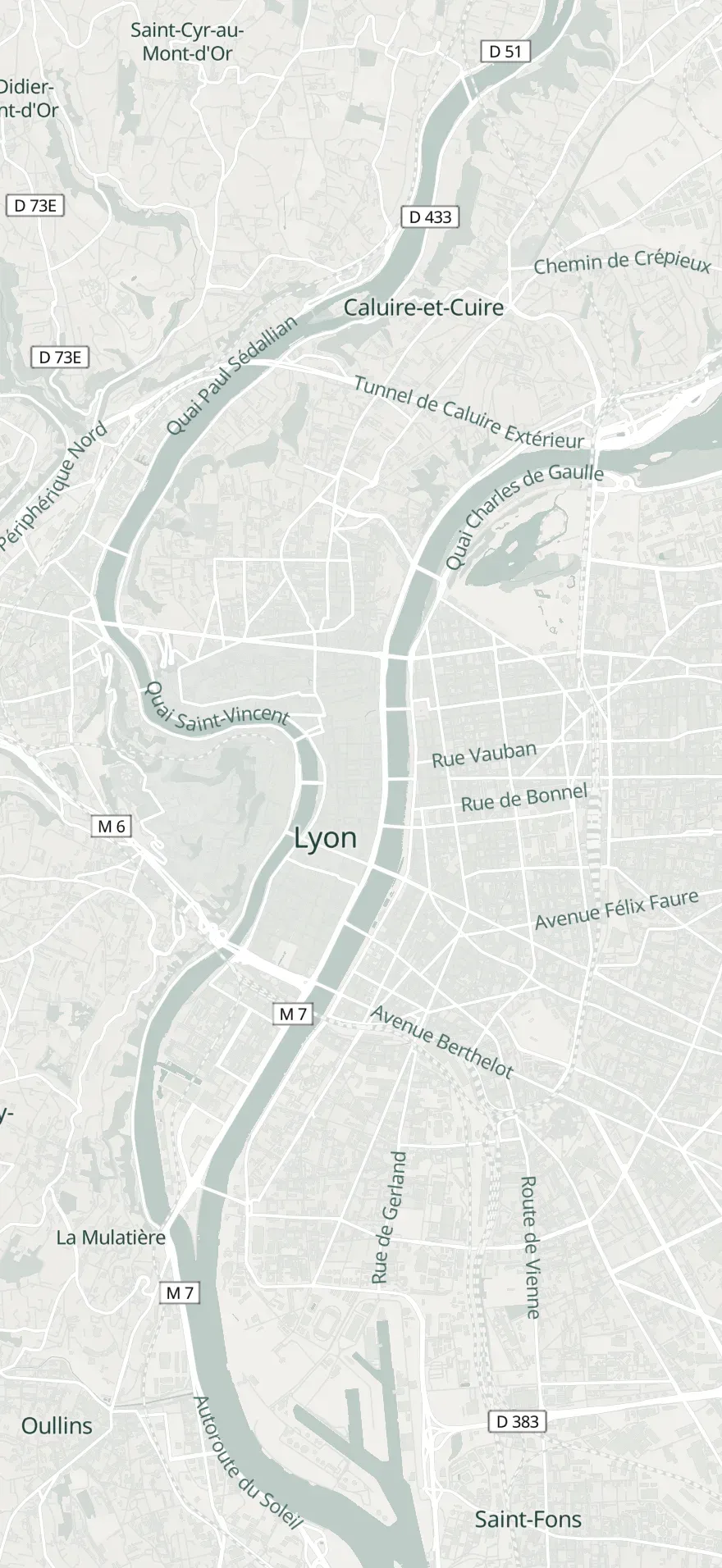
Every household place has its pin, in its category’s colour: red for a restaurant, green for a park, purple for a theatre. The map opens on the household’s address, or on your location if there isn’t one.
The whole household sees the same places, whoever added them. The list button, top right, switches to a list sorted by name, with each place’s category and address.
02Online search
Add a restaurant by searching for it online
The + button offers “Search online”: type a name or an address, in the household’s country or another one. Tap a result: the name, address, phone number, a photo and the category fill in the details, and the pin drops onto the map.
A place the household has already saved is marked “Already in your places”. For somewhere you can’t find online, “Create manually” opens a blank entry: the street and town are enough to place the pin.
Find a place
pizzeria
Pizzeria Da Marco
Restaurant
18 rue Mercière, 69002 LyonAlready in your places
Pizzeria Il Forno
Restaurant
6 rue Sainte-Catherine, 69001 Lyon
Pizzeria La Bottega
Restaurant
31 cours Gambetta, 69007 Lyon
03Directions
Find a favourite place and get directions
Tap a pin: the map recentres and a bubble shows the photo, stars, address and “Already visited”. “Directions” opens Maps on iPhone, and lets you pick your maps app on Android.
“More info” opens the full details: a tap on the address also starts directions, a tap on the number calls the place.

Pizzeria Da Marco
Restaurant
18 rue Mercière, 69002 Lyon
Already visited
04To try
A list of restaurants to try, and stars for the ones you’ve been to
Every place keeps a rating from 1 to 5 stars and the “Already visited” switch. The ones still waiting their turn show “Not visited yet”, in their bubble and on their page.
Stars change with a tap on the page, without going into edit mode. The pencil fixes the rest: the name, category, photo, street, town and phone number.
Edit place
ZIP code69005
CityLyon
Phone(555) 123-4567
Already visited
05Categories
Sort places by category: restaurants, cafés, parks, museums
Twelve categories sort the places: restaurant, café, bar, hotel, shop, park, museum, cinema, theatre, wellbeing, must-see and sightseeing, plus “Other”. A place found online arrives with its own.
The funnel filters the map and list by one or more categories, then the map reframes on the places that remain. “Clear” brings them all back.
Filter by category
Restaurant
Café
Bar
Hotel
Shop
Park
Museum
Cinema
06Private place
Keep family and friends’ addresses too
Switch on “Private place” on an entry: the rating, phone number and visit disappear, leaving the name, address and photo. Handy for finding Grandma’s house or a friend’s flat.
A private place has its brown pin on the map, and “Directions” takes you there like anywhere else. It stays visible to the whole household, like the rest of the list.
Grandma’s
Private place
7 rue Sala, 69002 Lyon
And also
The details that make it a real places list.
Search the list
In list view, the magnifying glass finds a place by name, even when the list has dozens.
A right-click on the map
On Mac and in the browser, right-clicking the map offers “Add a place here”: the street, postcode and town are already filled in.
Send an address
“Share”, then “Address”: the address goes out as text by message, email or any app on the phone. No need for Melimelo to receive it.
A trip’s places
With Premium, every household trip has its own Places tab, with its own map and pins, separate from the household list.

Also worth exploring
The modules that go with it.
- TravelTravel
Every trip has its own Places tab and map: the hotel and restaurants from the stay are kept there, separate from the household list.
- CalendarCalendar
Dinner at Le Bistrot du coin goes in the household calendar; the place itself stays in the list for next time.
- SplitSplit
After dinner out with friends, the bill goes into a split, and the restaurant is saved in Places so you can go back.
- EntourageEntourage
A good spot is shared with your loved ones’ households; the ones they share with you join your list in one tap.


All 31 modules share the same household and the same members.
Free & Premium
What each plan includes for your places.
Try it out
€0no commitment
Included from the start, shared by the whole household.
- Map and list of places, shared by the household
- Online search to fill in the details
- Manual entry, pinned on the map from its address
- Categories and map filter
- Rating from 1 to 5 stars and “Already visited”
- Directions and calling from the place card
- Private places for family and friends
- Share a place by message
- Number of places 5 max
- Permissions for each member: read or use
Everything unlocked for this module
No limits
€39.90/ year
that’s €3.32 a month
- Map and list of places, shared by the household
- Online search to fill in the details
- Manual entry, pinned on the map from its address
- Categories and map filter
- Rating from 1 to 5 stars and “Already visited”
- Directions and calling from the place card
- Private places for family and friends
- Share a place by message
- Number of places Unlimited
- Permissions for each member: read or use
A single Premium subscription covers the whole household, however many members it has. You take it out in the app on iPhone or Android, and it then works on every screen in the household.
06Questions about Places
Everything people ask us about places.
Straight answers to the questions people ask most before getting started.
07Get started
Your whole household,
on all your screens.
On iPhone, iPad, Android, Mac and in the browser. Every member connected, in real time. Your first module up and running in under a minute.
4.7out of 5
On the App Store
Active users
75k+
Already on board
No commitment, right in your browser.