

Meal plan
MelimeloMeal plan
Premium plan only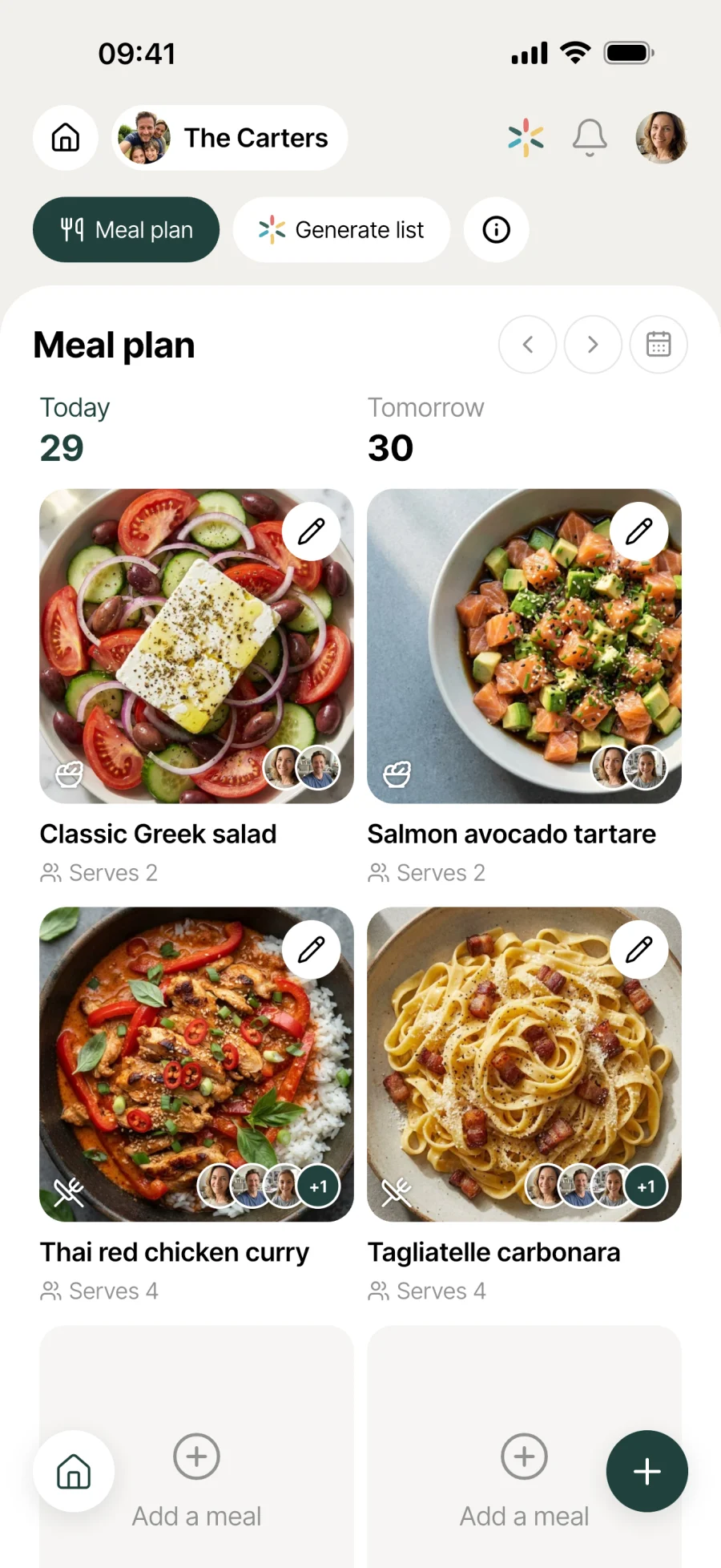
Plan your meals for the whole week.
On Sunday evening, you plan the week’s meals. Drag your recipes into the plan, add as many meals a day as you like, and share it with the whole household. The rest of the week, nothing more to think about.

Everyday life
No more “what’s for dinner tonight?”
Deciding at the last minute every evening is what wears you down. A week planned in one go and shared by everyone changes how the household handles meals.
Sunday evening, 10 quiet minutes: you choose the week’s 7 dinners and drag your favourite recipes into the plan. The rest of the week, nothing more to think about. And no more answering “what’s for dinner tonight?” 20 times.
Tuesday, 5pm: your teenager gets home from school and checks Melimelo. Tonight it’s chicken curry, as agreed. No more last-minute debates, no more takeaway pizza by default.
You find out you’ll be home late on Wednesday. You open the meal plan, move the planned risotto to Saturday and put the leftover pasta in its place. Reorganised in 2 seconds, without retyping a thing.
Features
Designed to take the nightly decision off your plate.
The whole week at a glance
Pasta for Monday lunch, chicken on Tuesday evening, risotto on Wednesday evening. The whole week shows in one view. No need to remember what was decided on Sunday: it’s written down, shared and there for everyone.
Your recipes, built in
Drag a recipe from the household recipe book straight into the plan. Thursday’s meal is linked to the porcini tagliatelle recipe: one tap to open it, another to start cooking.
Several meals a day
Breakfast, lunch, dinner, snacks, Sunday brunch. Add as many meals as you like each day, in the order you want.
Recipe or any name
For meals from the recipe book, just drag the recipe in. For improvised days (“fridge leftovers”, “pizza night out”), type any name, without having to create a recipe for it.
Drag and drop
Press and hold a meal to move it within the day. To move it to another day, open it and change the date. Quick to reorganise when plans change.
Shared by the household
Every household member can see and edit the meal plan. No more answering the same question 10 times. Everyone can check, add and adjust.
Edit in 2 taps
Tap a meal to open it and change the name or recipe. Swipe left to reveal the delete option, then confirm. The meal plan stays light and up to date.
Connected to the rest
Linked to everything else in the household.
- RecipesRecipes
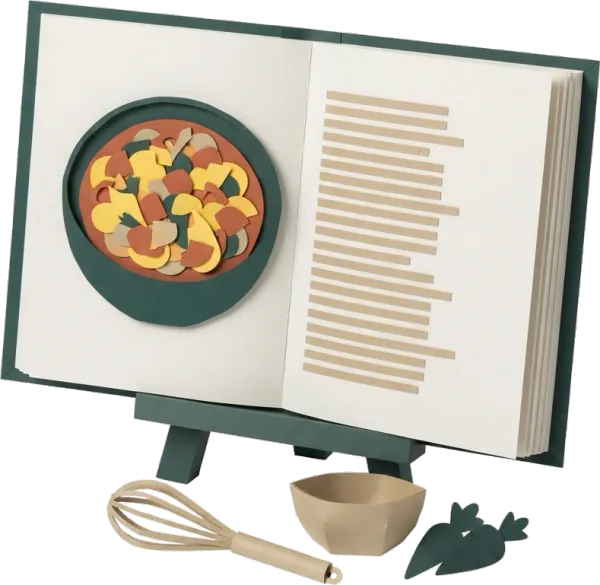
Your household recipes go straight into the meal plan. Drag from the recipe book to the meal plan, and the meal is set.
- ShoppingShopping
Ingredients from the recipes on the meal plan can go onto the shopping list (with smart merging in Premium, on the Recipes side), so you can plan the week’s shopping ahead.
- FridgeFridge
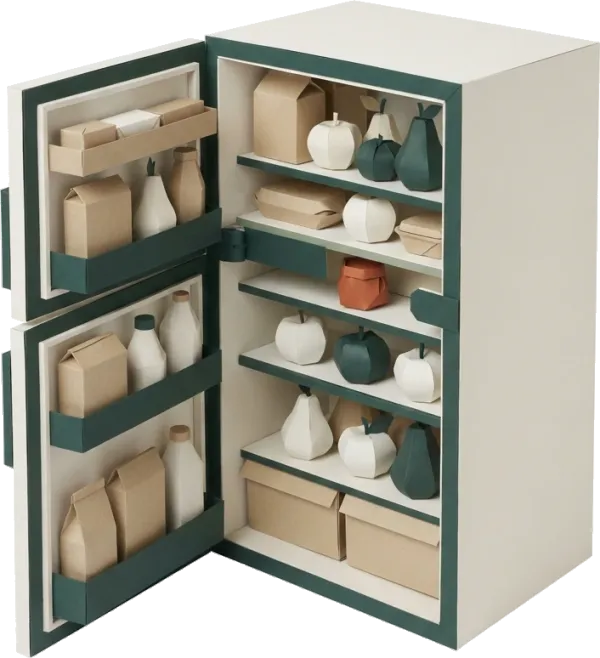
Before you plan, a look in the fridge tells you what needs using up. The meal plan is built around what you already have, rather than from a blank page.
- BudgetBudget
Planning the week’s meals lets you anticipate the grocery budget that goes with it. Both modules work together to keep everyday spending in check.


All the modules talk to each other. Not just these 4.
Free & Premium
What each plan includes for meal planning.
Try it out
€0no commitment
Included from the start, shared by the whole household.
This module isn’t included in the free plan.
All its features are reserved for the Premium plan. See the Premium column.
Everything unlocked for this module
No limits
€39.90/ year
that’s €3.32 a month
- Weekly meal plan
- Several meals a day (breakfast, lunch, dinner, snacks)
- Meals from a household recipe or with any name you like
- Drag-and-drop reordering within the day
- Move a meal from one day to another
- Edit or delete a meal in 2 taps
- Multi-user from the start (the household sees the same plan)
A single Premium subscription covers the whole household, however many members it has. You take it out in the app on iPhone or Android, and it then works on every screen in the household.
06Questions about meal planning
Everything people ask us about meal planning.
Straight answers to the questions people ask most before getting started.
07Get started
Your whole household,
on all your screens.
On iPhone, iPad, Android, Mac, Windows and in the browser. Every member connected, in real time. Your first module up and running in under a minute.
4.8out of 5
On the App Store
Active users
65k+
Already on board
No commitment, right in your browser.
3 steps, and the week is planned.
Plan your week
On Sunday evening, Monday morning or whenever suits you. Drag recipes from your book into meals, or type any name for the improvised ones.
Share with the household
Every member sees the same plan and can edit it. No more explaining what’s planned 10 times: it’s in everyone’s pocket.
Adjust without starting over
Something came up? Drag and drop to reorganise, tap to edit, swipe to delete. The meal plan moves with your week instead of staying fixed.